Search for an OAuth Application
The search feature on the OAuth Application screen allows you to search for a specified text string anywhere within the Application’s Internal Name, Display Name, or Description.
To search for an OAuth Application:
-
Select Admin from the top navigation bar, then select Access > OAuth Applications from the side navigation menu. The OAuth Applications screen is displayed.
-
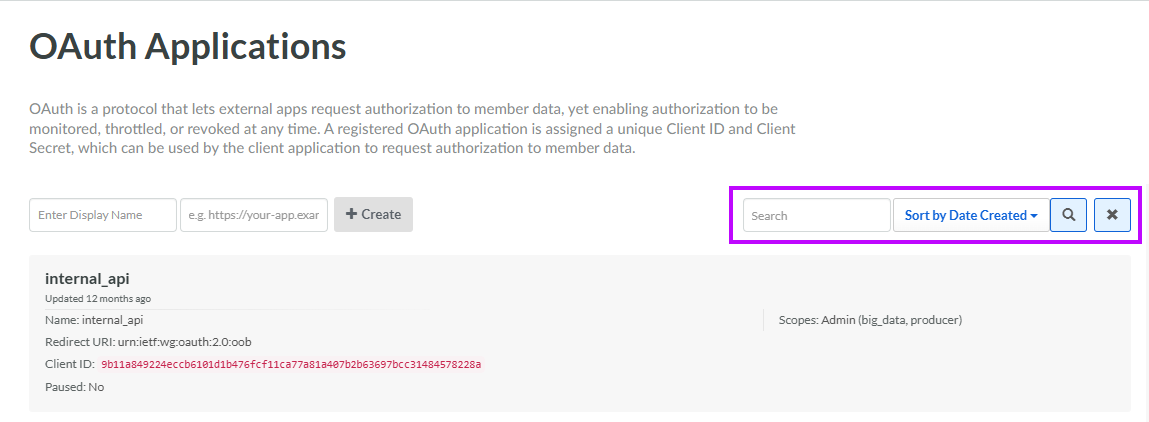
Optionally, in the Search field, enter the desired text string.
-
Click the Search icon. The screen is refreshed to show only the OAuth Applications that meet your search criteria. If you entered multiple search criteria, the OAuth Application must meet ALL criteria.
-
To sort the search results, select the desired sort order from the Sort By drop-down menu. The default sort order is by: Date Created.
-
Optionally, to remove all search criteria and revert to the default criteria, click the Clear icon.
Once you have found the desired OAuth Application, click it to view the OAuth Application Details screen. See View an OAuth Application for more information.